
- The Case for Custom App Store Listings
- What You Can Customize on App Store vs. Google Play Listings
- High-Value Use Cases for Custom App Store Marketing
- Additional Use Cases: Seasonal and Moment-Based Campaigns
- Case Study: Deep Linking to App Store Listings from Social Media
- Extending the Personalized Flow Into Onboarding
- Final Thoughts
- Further Reading
Companies behind app products are spending more than ever on acquisition, yet most users are sent to the same generic App Store listing. Custom Product Pages and Custom Store Listings let teams match the store experience to the path each user took — and the lift, by Apple’s own numbers, is significant.
So few Google Play and App Store fronts are user-targeted that you might wonder:
- Does the product team even know their product page is customizable?
- Does the marketing team realize they’re missing an integral touch point in the user journey?
With a product’s App Store listing living at the intersection of Product and Marketing, it’s no wonder there are missed opportunities in this gray area of the user journey.
Apple reports that developers see a 2.5 percentage point average increase when directing users to a Custom Product Page — a 156% improvement over the 1.6% average conversion rate on default product pages.
Most teams aren’t capturing that lift simply because they’re unaware these tools exist or they haven’t built workflows that allow Marketing and Product to collaborate on targeted store experiences.
This is what a typical user journey might look like:
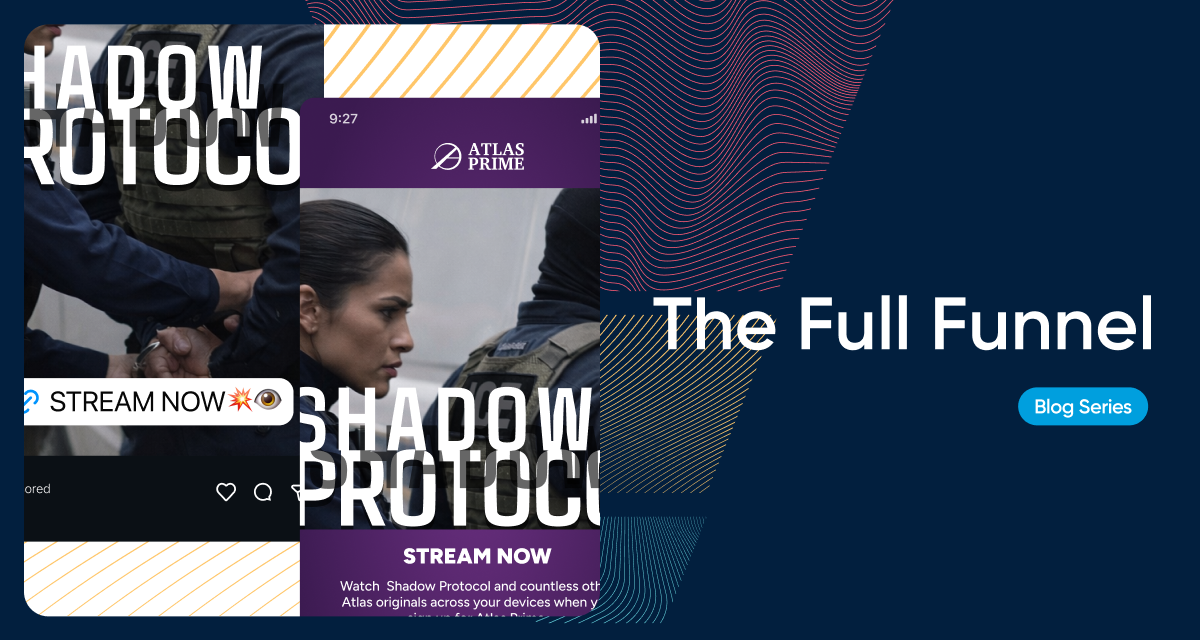
ad → store listing → onboarding
When a user moves from your tightly targeted ad or a relevant landing page into a generic App Store listing that treats every user the same, the disconnect creates friction at the exact moment their intent is highest. They just clicked the ad — they told you they’re interested.
Both Apple’s Custom Product Pages (CPPs) and Google Play Custom Store Listings (CSLs) allow teams to match the store experience to the path a user took. When messaging and visuals reflect their specific context, conversion becomes smoother and more consistent.
Every step, ad → store listing → onboarding, is part of a cohesive story.
From Apple App Store Marketing Guidance on Custom Product Pages:
Create additional versions of your app’s product page to highlight specific features or content, discoverable through unique URLs that you share. Add a deep link to direct people to a specific area of your app for a seamless experience. You can even use custom product pages in Apple Ads campaigns.
The Case for Custom App Store Listings
1. Reinforces the Promise Made in the Ad
Users arrive at the store with intent shaped by the ad or link they clicked. When the screenshots and copy they see immediately reflect that scenario, you remove friction. The store becomes a natural continuation of the ad experience instead of a reset point.
2. Puts Relevance at the Center of Conversion
Relevance is one of the strongest drivers of install performance. If you target pescatarians for a recipe app and your product page features a big, juicy steak, you just lost a subscriber. Conversely, someone coming in from an ad for protein-rich recipes will be very disappointed if you show them a zucchini wrap.
Custom App Store fronts let you match the listing to the mindset of the moment.
3. Improves ROI on Paid Acquisition
Paid campaigns often target niche audiences, creative angles, or funnel steps. A generic App Store page dilutes that precision. Tailored listing variants create continuity across the journey, improving install rate and lowering acquisition cost.
4. Creates a Controlled Space for Validation
CPPs give teams clean attribution for testing different concepts or audience hypotheses. With purposeful variations in screenshots, video, or messaging, you can measure which narratives actually convert.
What You Can Customize on App Store vs. Google Play Listings
Apple App Store – Custom Product Pages (CPPs)
CPPs let you create up to 35 variations of your product page, each with its own URL. These variants can be used for paid acquisition, email, social campaigns, influencer partnerships, or any deep-linkable funnel.
What you can customize
1. App Preview Video
Each CPP can have its own video, showing different use cases, features, or platform contexts.
2. Screenshot Sets
You can customize:
- all screenshots
- the order
- the themes or use cases shown
- devices or environments (e.g., iPhone vs iPad)
3. Promotional Text
Short, high-visibility text you can update without a full release.
4. In-app Events (selection)
You can choose which in-app events to highlight on different pages.
What you cannot customize
- App icon
- App name
- Subtitle
- Full description
- Rating & reviews
- Keywords
Those elements stay consistent across all variants.
Ideal uses
- Paid acquisition creative alignment
- Persona- or vertical-specific campaigns
- Seasonal or feature-focused variants
- Competitor-conquesting experiences
Google Play – Custom Store Listings (CSLs)
Google Play provides even deeper flexibility, with up to 50+ CSL variants. CSLs can target users by URL, country, language, install state, or specific acquisition channels.
What you can customize
1. Feature Graphic (hero graphic)
Prime real estate on Android. Can be customized per listing.
2. Screenshots
Like iOS, screenshots can be completely different for each variant.
3. Promo Video
Each variant can use its own video, hosted on YouTube.
4. Short Description
Visible above the fold. Extremely influential for conversion.
5. Long Description
Google allows changing the full description for each CSL.
6. App Name (for some targeting types)
In certain regional or device-specific variants.
7. Listing Details by User Type
You can show different listings to:
- users who haven’t installed
- users who have installed but not active
- lapsed users
- pre-registered users
This supports re-engagement and lifecycle marketing.
What you cannot customize
- App icon (unless running a store-wide experiment)
- Reviews and ratings
- Developer name
Ideal uses
- Regional relevance (e.g. local partners, localized compliance messaging)
- Persona-specific pages (e.g. gamers vs productivity users)
- Pre-launch, pre-registration campaigns
- Re-engagement (e.g., winback messaging)
- Channel-specific variants for each campaign
| Element | Apple App Store (CPP) | Google Play (CSL) |
|---|---|---|
| Max Variants | Up to 70 | 50+ |
| Screenshots | ✔ Customizable | ✔ Customizable |
| Video | ✔ Customizable | ✔ Customizable |
| Feature Graphic | ✖ Not supported | ✔ Customizable |
| Short Description | ✖ Shared | ✔ Customizable |
| Long Description | ✖ Shared | ✔ Customizable |
| App Name | ✖ Shared | ✔ Sometimes (regional/variant) |
| Promo Text | ✔ Customizable | ✔ Short + Long description |
| Device-Specific Variants | ✔ (iPhone, iPad sets) | ✔ (varied targeting) |
| Target by Country/Language | Limited | ✔ Full control |
| Target by User State | ✖ | ✔ (new, lapsed, etc.) |
High-Value Use Cases for Custom App Store Marketing
Below is a concise list of practical, high-impact use cases where custom App Store fronts drive meaningful results.
1. Channel-Specific Pages
Different acquisition channels have different motivations and creative styles. Custom pages can reflect the environment users just came from.
Examples:
- TikTok performance campaigns
- Meta lookalike audiences
- Google App Campaigns
- Reddit interest-based ads
Tailoring screenshots to match the ad context reduces cognitive switching and keeps users anchored on the journey they started.
2. Funnel-Based Paths
Other entry points may be mid-funnel, including:
- A landing page
- A referral link
- A comparison chart
- A feature landing page
If the App Store page mirrors that content, you reinforce the specific value the user is exploring. Depending on how you choose to set up your campaign, a user will likely have 1-2 touchpoints before getting to the product page. Here are some example journeys for targeted campaigns:
One Touchpoint
ad → store listing
comparison chart → store listing
Two Touchpoints
ad → landing page → store listing
referral link → pricing page → store listing
3. A/B and Multivariate Testing on Store Listings
Both CPPs and CSLs allow each variant to have its own URL, which gives marketers a controlled environment for experimentation. You can test different:
- feature emphasis
- screenshots
- messaging angles
- persona-specific benefits
- regional variations
- platform-specific contexts
Because traffic goes to a specific listing version, attribution remains clean. This turns the App Store or Google Play listing into a measurable testing surface rather than a static asset.
This level of control is especially valuable in channels where small improvements in conversion rate have outsized impact on cost-per-install.
Additional Use Cases: Seasonal and Moment-Based Campaigns
App Store fronts can shift with the calendar:
- Holiday shopping
- Back-to-school
- New product launch
- Industry events
- Conference tie-ins
While broader than deep-link variants, these listings still benefit from tailored visuals that often outperform evergreen creative.
Case Study: Deep Linking to App Store Listings from Social Media
Perhaps the biggest opportunity in customizing store fronts is aligning creative with where a user first encounters a brand on their journey to the store. Arguably for most users that place is social media.
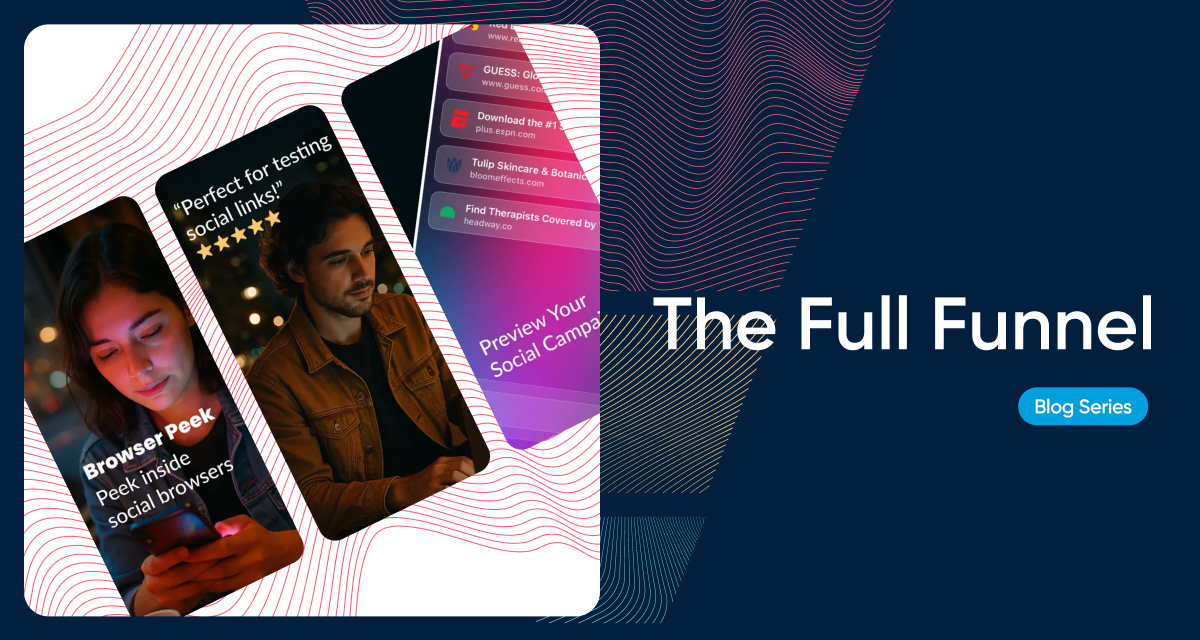
Using Nami’s Browser Peek — a tool that previews how funnel URLs render inside TikTok, Instagram, Facebook, and other in-app browsers — we created store listing variations based on traffic source.
- Users coming from Instagram saw screenshots and copy reflecting Instagram’s context.
- Users coming from TikTok saw variants aligned with TikTok’s environment.
Because Nami also handles Browser Peek’s onboarding flow, we extended this continuity into onboarding. The user’s journey stayed consistent from first click through install.
Extending the Personalized Flow Into Onboarding
The app store is no longer the end of the journey. It’s the final commitment point before users see your product. If your team is investing in personalized acquisition paths, onboarding should reflect those expectations.
This is where tools like Nami Flow Builder complete the loop. After creating a tailored App Store or Google Play listing, you can carry that personalization into onboarding with contextual experiences, custom paywalls, or use-case-specific flows. The user moves from:
personalized ad → tailored store listing → aligned onboarding
The result is a conversion path that feels coherent from the first click to the first in-app action, increasing the likelihood of retention and trial success.
How to Get Started
Teams typically begin with:
- Identify 1–2 target audiences
Choose segments where intent is already strong or where you see clear funnel drop-off.
- Create one ad for each audience
Keep the creative tightly aligned to the specific value proposition you want to reinforce.
- Build and test a small set of tailored screenshots and copy
Validate early performance before expanding into additional variants or deeper targeting.
Extra credit: Extend the App Store experience into onboarding
Carry the same messaging and context into your onboarding flow so the journey remains aligned after install.
Marketers often see early wins even with simple changes that reflect the user’s platform, persona, or campaign theme.
Final Thoughts
Custom App Store fronts are no longer a nice-to-have. They’re a way to make every acquisition dollar more effective by meeting users with the context they carry in. When the store experience matches the journey, conversion lifts naturally.
Further Reading
For deeper guidance, examples, and technical instructions, refer to the official documentation:
- Apple Custom Product Pages — overview, ideas for use, and case studies
- Google Play Custom Store Listings — best practices, general information, and links to documentation